


📝
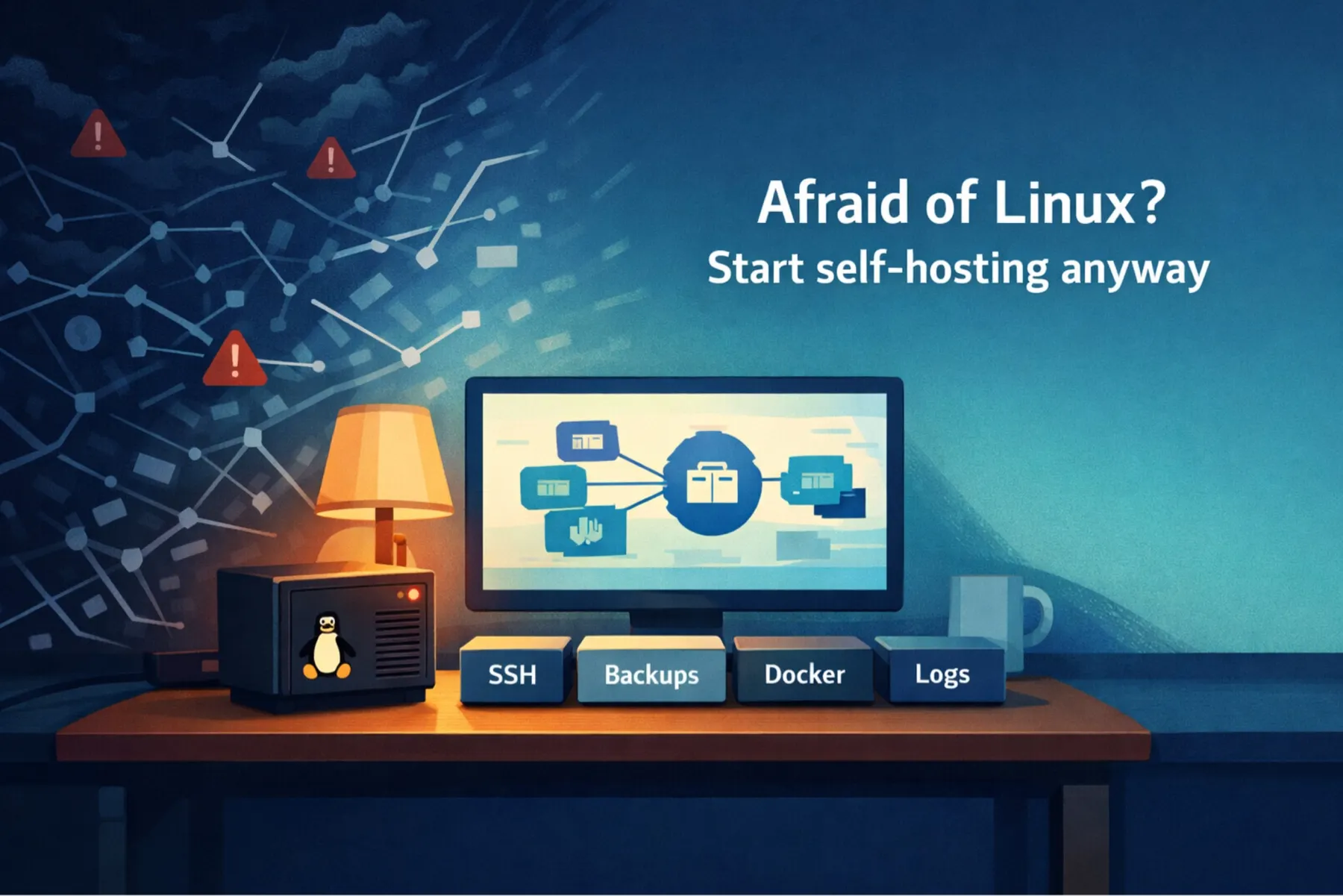
You don’t need to “learn Linux” to start self-hosting.
You need a small set of operator instincts: how to log in safely, where data lives, how to read logs, how to restart the right thing, and how to back out of a mistake without nuking your weekend.
Most Linux tutorials teach you trivia first and reliability last. Self-hosting is the opposite: you’ll be fine if you can keep services up, recover fast, and avoid exposing your box to the internet like it’s 2009.
This series is for the “self-hosting-curious but Linux-anxious” crowd: you want your own services (notes, files, photos, RSS, maybe a few internal tools), but the moment someone says “just SSH in and edit the config,” you feel the floor tilt.
We’ll build a minimal baseline on a single machine (VPS or home server): secure access (SSH keys, sane users), predictable updates, clear data layout, Docker Compose conventions, a reverse proxy with HTTPS, and backups you can actually restore. Along the way we’ll practice the few debugging loops you’ll use forever: systemctl + journalctl, container logs, disk and network triage.
Each part ends with a small lab, a done-checklist, and “what went wrong” notes – because confidence comes from recovery, not perfection.
What this is:
- A practical learning path that ends with a working, maintainable self-hosting baseline
- Modern by default (systemd + journald, containers, sensible security posture)
- Focused on operating services, not collecting trivia
What this isn’t:
- A distro war
- A “type these 30 commands” cargo-cult gui
- A comprehensive Linux encyclopedia (that way lies madness)
Who this is for
You’ll get the most value if you’re in one of these buckets:
- You want to self-host (notes/files/photos/RSS/small tools) but Linux makes you hesitate
- You can follow docs, but you don’t feel confident debugging when things break
- You’ve run Docker on a desktop once and want to do it “for real” on a server
- You’re a homelabber or junior ops/dev who wants a clean, sane baseline
If you’re already running production workloads and tuning kernel params for fun, this will feel too gentle. (You’ll still like the checklists though.)
What you’ll be able to do by the end
By Part 12 you’ll have:
- A single host (VPS or home server) that you can access safely (SSH keys, sane users)
- A clean data layout that won’t sabotage backups
- A Docker Compose workflow that’s repeatable and boring
- A reverse proxy with HTTPS (and a clear model of what is public vs private)
- Backups you’ve actually restored (restore drills included)
- A troubleshooting playbook you can run when something breaks at 11:40 p.m.
The goal isn’t “become a Linux wizard.” The goal is: you can operate your self-hosted services without panic.
How to use this series
- First pass: read in order and do the labs (they’re intentionally small)
- Second pass: use it like a reference manual
- Always: bookmark Part 12 (the troubleshooting playbook)
Each part ends with:
- a 5-10 minute lab
- a “Done if…” checklist
- a short “If it breaks…” section with common failure modes
The course map (12 parts)
Part 1: Self-hosting without panic. What “good enough Linux” actually means
The mental model shift: reliability first, trivia later. What you actually need to know, and what you can safely ignore.
Part 2: Choose once, suffer less. Hardware, hosting, and a distro you’ll actually maintain
Where to start, what to avoid, and why “I’ll just migrate later” is a trap. We choose a path that survives real life.
Part 3: Your first SSH login. Make it safe before you touch anything else
How to stop feeling like you’re one typo away from disaster. Clean access, minimal risk.
Part 4: The upgrade playbook. A self-hoster’s maintenance routine
Updates are where beginners get hurt. We’ll make them predictable and recoverable.
Part 5: Stop losing data. A practical guide to Linux permissions for self-hosting
The #1 cause of “I lost my data” stories is not hackers – it’s sloppy persistence. We’ll fix that.
Part 6: Running services for months – a practical Docker Compose playbook
Not “what is a container,” but “how do I run services for months without the stack turning into spaghetti.”
Part 7: Stop restarting random things – systemd essentials that save hours
systemd is not your enemy. We’ll learn just enough to debug calmly.
Part 8: Stop guessing – a practical logging workflow (journalctl + Docker logs)
How to stop guessing. Practical log reading, and how to avoid logs eating your disk.
Part 9: Local vs public. How services actually become reachable (or exposed)
Most self-hosting security mistakes start as networking misunderstandings. We’ll make it crisp.
Backups that don’t restore are decorations. We’ll do restore drills on purpose.
Part 11: Self-hosting security without paranoia – threat model + safe exposure patterns
A practical threat model for self-hosters, and how to expose services without inviting chaos.
Part 12: The self-hoster’s troubleshooting playbook. Stop guessing, start checking
A step-by-step operator loop: what to check, in what order, and when to stop digging and redeploy cleanly.
The “capstone baseline” (what everything builds toward)
Instead of random examples, we’ll build and operate a single, boring baseline:
- One host (VPS or home server)
- Docker Compose stacks with consistent conventions
- Reverse proxy with HTTPS
- Clear persistence layout (/srv/data/…)
- Backups + restore drills
- A minimal health check / “is it alive?” routine
Why boring? Because boring is maintainable. Boring survives weekends.
Notes on tooling and choices
I’ll keep it distro-agnostic where it matters, but I won’t pretend all choices are equal. Expect:
- systemd + journald workflows
- SSH keys as the default
- Docker Compose conventions that don’t rot
- a reverse proxy that is simple enough to reason about
When there are trade-offs, I’ll say so explicitly.
Start here
➡️ Part 1: Self-hosting without panic. What “good enough Linux” actually means
If you want to follow along with the labs, I’ll also publish a small companion repo with the baseline stack, scripts, and checklists. (Link will appear here when it’s live.)
If you find this useful, do two small things that make the rest of the series much easier to follow:
- Bookmark this hub. I’ll keep it updated with links to all parts, plus any corrections/errata as the series evolves.
- Follow me on Medium. New parts will drop as they’re published, and I’ll also share the companion templates/scripts as they mature into a boring, reusable baseline.
If you’re the kind of person who learns by doing: pick one service you care about and build along with the series. You’ll get more out of it than skimming twelve posts and promising yourself you’ll “set it up later.”
To Top